Describe the scene
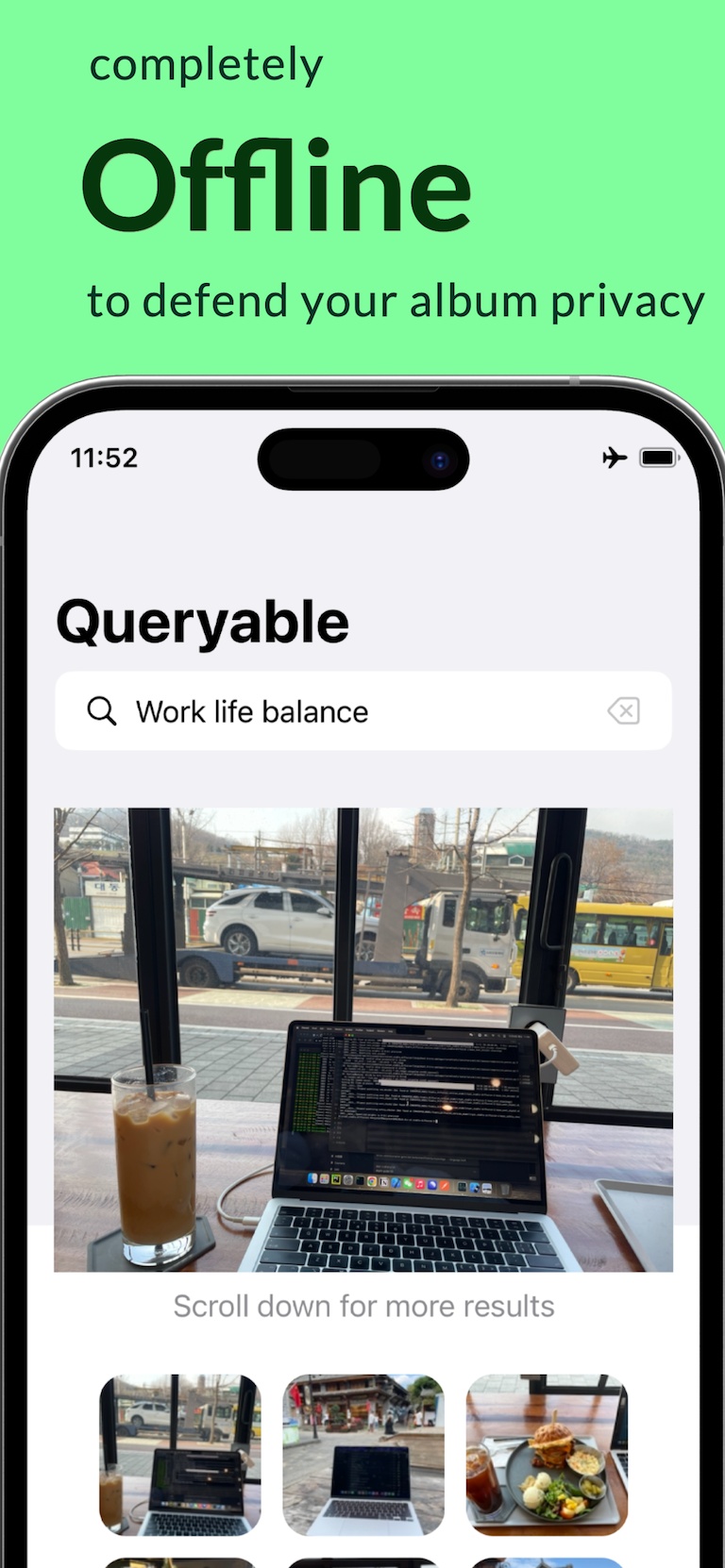
Type a sentence such as “a child holding a yellow umbrella”. Photos are ranked by what they look like, not by album, date or filename.
Search photos by description Queryable Queryable · Offline AI photo search app
 Queryable finds photos on your iPhone by what you describe or by a sample photo, entirely offline. $4.99 once — no subscription, no account, nothing uploaded.
4.7 ★ on the App Store 92 US ratings, checked 2026-10-30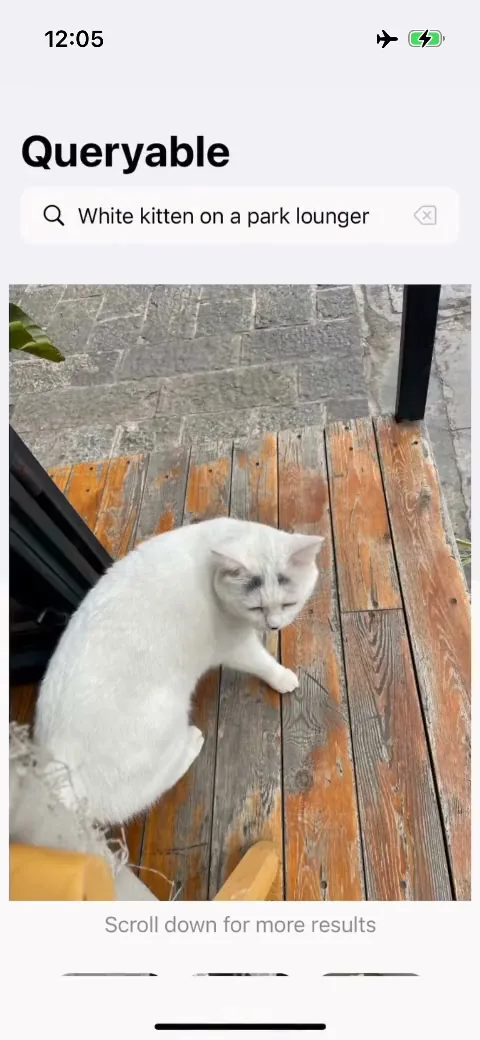
What you get, and what it does not do. All of it is true of the current App Store version.
Everything below runs on the iPhone against a local index. Each link goes to a page that explains the feature and its limits.
Type a sentence such as “a child holding a yellow umbrella”. Photos are ranked by what they look like, not by album, date or filename.
Search photos by descriptionPick a picture or take one, and Queryable ranks the photos in your own library that look most like it. It never searches the web.
Reverse image search on iPhoneExact duplicates, near-identical frames and similar scenes, in three tiers, with a suggested keeper. Stills only, and nothing is deleted until you confirm.
Similar photo cleanerApple’s MobileCLIP-S2 turns each photo into 512 numbers, and your query is ranked against them on the iPhone’s GPU. No server sees a photo or a query.
How MobileCLIP photo search works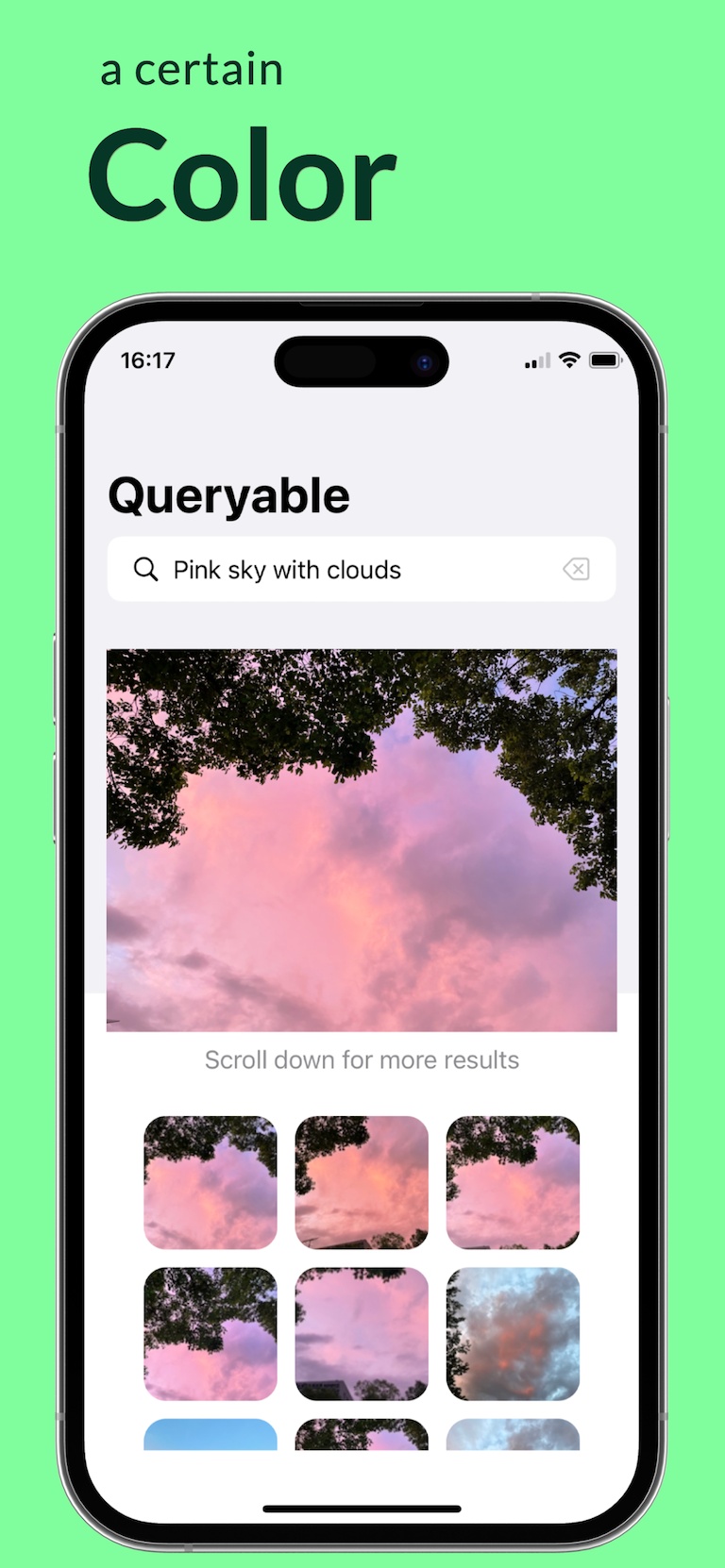
Other apps do some of this, and some do it for free. Each comparison starts with what the other app does better. Facts checked October 2026.
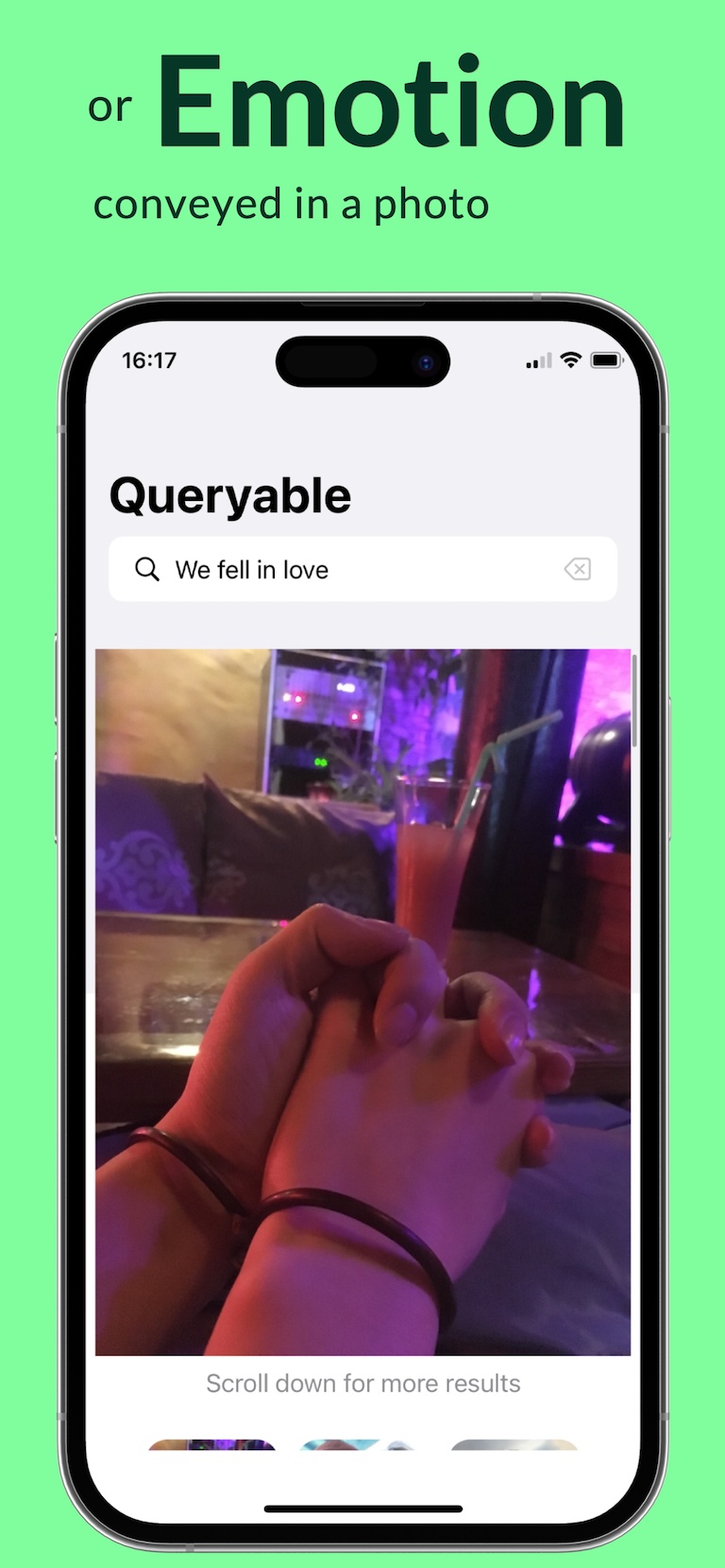
Queryable is an AI photo search app for iPhone. Describe a scene in your own words, or hand it a reference photo, and it ranks your camera roll by visual meaning. The index and the search both run on the device.
No. The app makes no network request of its own — there is no upload server, no account, no analytics and no crash reporting. You can run it with the network switched off entirely.
Yes. Once the on-device index exists, search works in airplane mode. Two things need the network beforehand: photos stored only in iCloud, and the one-time system language-pack download if you want non-English queries translated on-device.
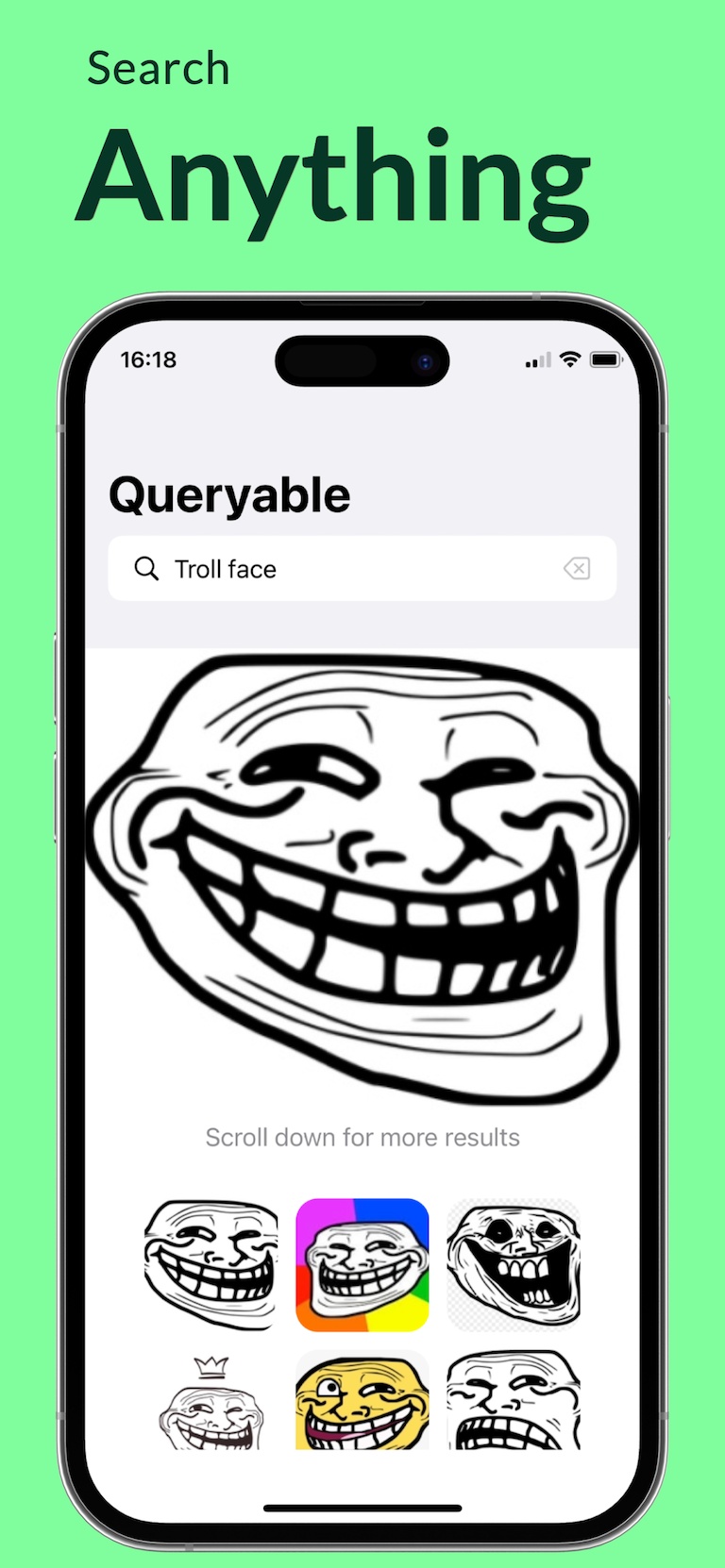
No. Queryable has no OCR. It matches what a photo looks like — scenes, objects, colours, composition — not words printed inside it. Screenshots are searchable by their appearance, not by the text they contain.
Indexing runs with network access switched off, so a cloud-only photo with no local copy is stored as a placeholder and never retried. Make the photos you care about available on the device in Apple Photos before you build the index.
It depends on the device and the library, so we do not publish a number. Indexing runs only while its screen is open, never in the background, and progress is checkpointed — you can stop and resume instead of starting over.
Queryable is a one-time App Store purchase: no subscription, no in-app purchases, no free tier and no trial. The US price was $4.99 when this page was checked; other storefronts differ.
Yes. The English edition translates a non-English query on-device with Apple’s Translation framework, searches both the original and the translation, and keeps the better match for each photo. The interface itself ships in 18 languages.
Yes. The camera button in the search bar lets you pick an image from your library or take a new one; Queryable encodes it and ranks visually similar photos. Any result also opens a Similar Photos panel.
Yes. It groups near-identical shots in three tiers — exact duplicates, nearly identical, similar scenes — scores a suggested keeper, and waits for your confirmation. Cleanup only ever touches stills; videos are never grouped or deleted.
Apple Photos is free and built in, and it searches things Queryable cannot: the text inside photos and the people and pets you have named. Searching by a free-form description is an Apple Intelligence feature, so it needs an iPhone 15 Pro, an iPhone 16 or later and a supported language, and Apple says Apple Intelligence does not currently work on devices bought in mainland China. Queryable searches by description on any iPhone or iPad with iOS 18 or later, and adds search with a sample photo and a similar-photo cleanup.
iPhone or iPad running iOS 18.0 or later. Mac builds from 2023 are still listed on the App Store, but they are unmaintained and are not built from the current source — we do not recommend buying them.
The CLIP indexing and search core is published under the MIT licence at github.com/mazzzystar/Queryable. The shipping app has since moved ahead of that snapshot, so the newest features are not yet in the public repository.
Queryable deletes through the system photo library, so with iCloud Photos enabled the deletion syncs like any other. Items land in Recently Deleted first, and Queryable shows a single system confirmation before anything is removed.
Not today. Results are ranked by similarity only, and there is no deep link back into Apple Photos. You can narrow a search to last week, last month, a span of months or a single year before ranking.
寻隐 is the separate Chinese edition of the same app, sold only in mainland China, Hong Kong, Macao and Taiwan. It carries a natively trained Chinese text encoder instead of the translation step, so Chinese queries are matched directly.
Build the local index once, then search years of photos in the language you naturally use.
Get Queryable for iPhone